> For the complete documentation index, see [llms.txt](https://docs.coreframework.com/llms.txt). Markdown versions of documentation pages are available by appending `.md` to page URLs; this page is available as [Markdown](https://docs.coreframework.com/troubleshooting/faqs.md).
# FAQ
Here are some of the most frequently asked questions about Core Framework, which we hopefully can answer here. This list will be updated periodically.
## Licensing
### How do I download?
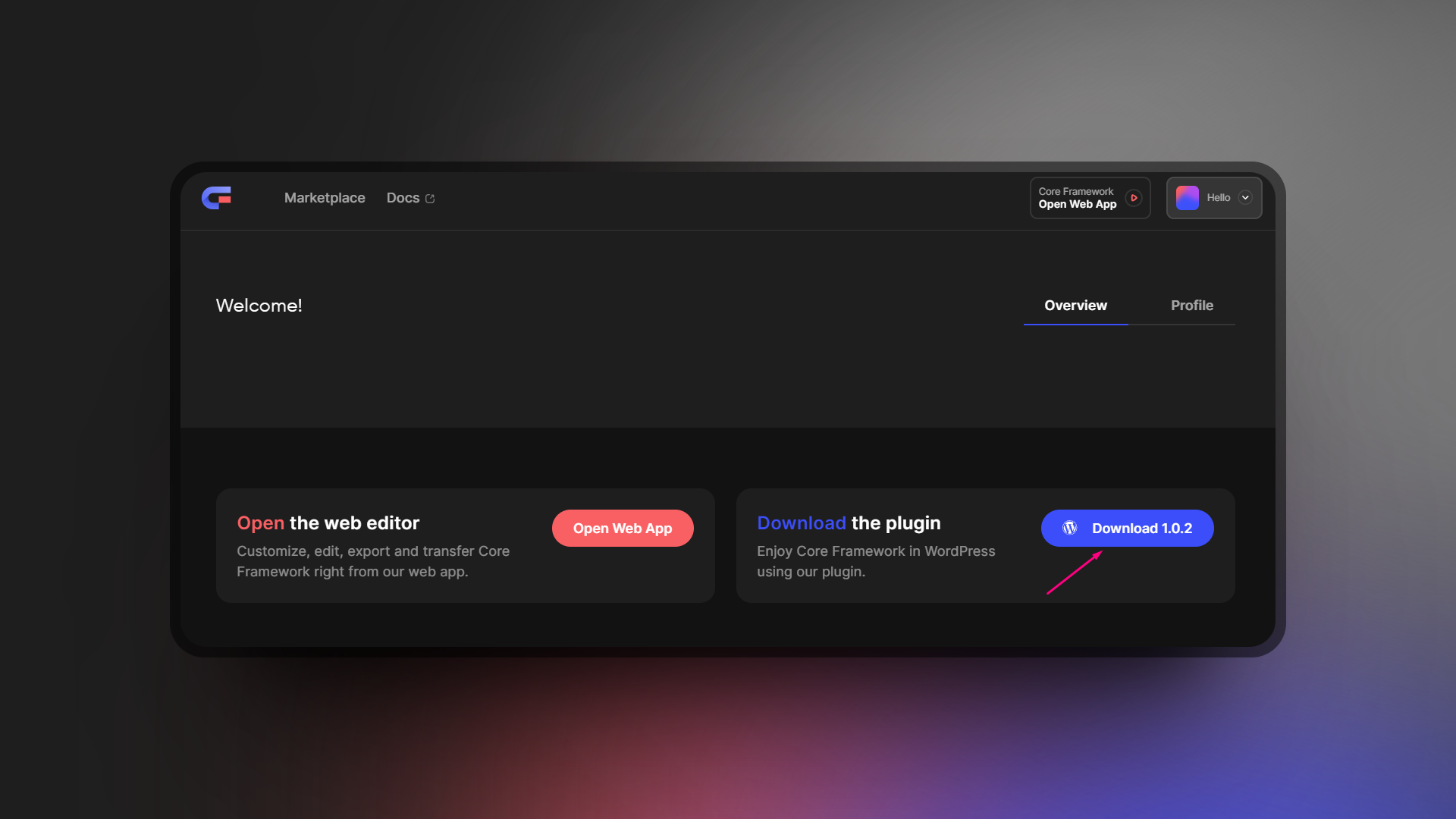
The only download available is for the WordPress plugin version of Core Framework. Simply login to your account if you have not already, and navigate to [your dashboard](https://coreframework.com/dashboard). There, you will see an option to download the plugin:
The Dashboard Area on the Core Framework Website
### How do I get a license?
The Core Framework web app and WordPress plugin actually requires no license to use. They are free to use and readily available. The only licenses available are for the addons to Core Framework. To get an addon, you can navigate to the [marketplace](https://coreframework.com/marketplace) and choose the addons you'd like to purchase.
### What about OxyNinja users?
We made a promise to users of our previous plugin (OxyNinja) that you would receive the Oxygen Integration addon, WooCore, and CoreKit for free. We made a dedicated page for this that you can view here: